Edit videos like a pro
Effects, transitions, animations, title templates and hardware-accelerated export. Use it free — unlock every Pro asset with Premium.
No credit card • Pay with crypto • No watermark
The same shot. One grade apart.
Left: straight out of the camera. Right: contrast, colour balance, clarity and vignette — done in CutOvia.

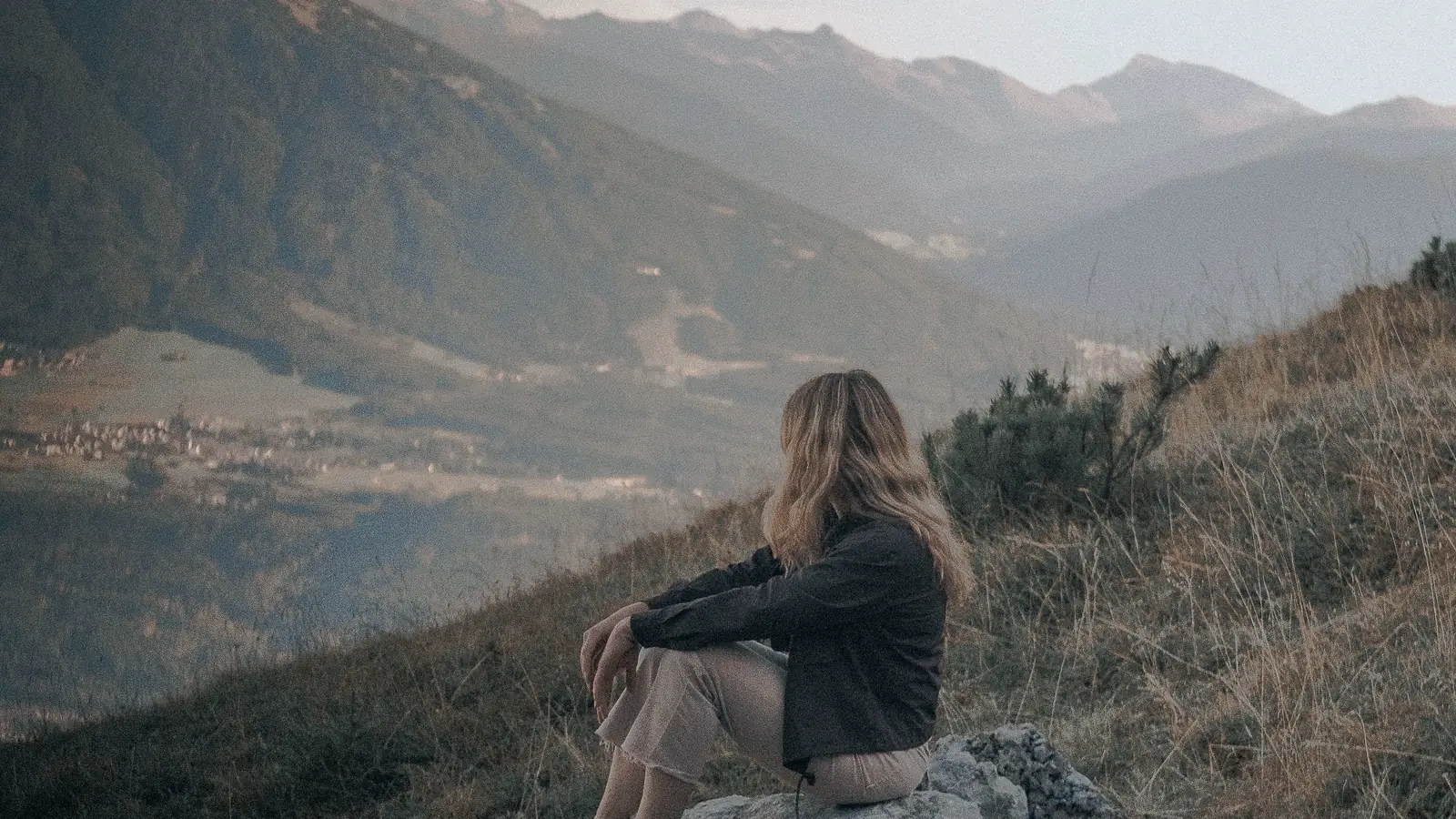
Drag the handle — or use ← →
Everything the edit needs, on one timeline.
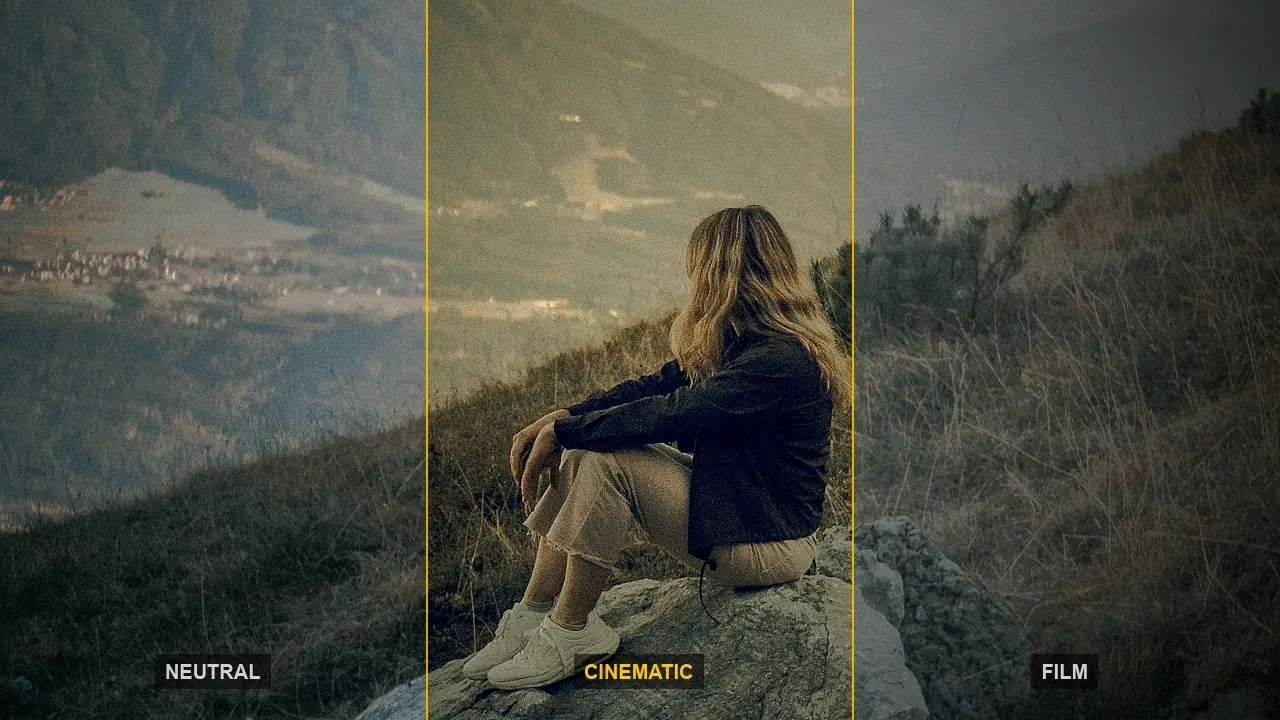
Same frame, five tools — scroll, the monitor follows.
 V1
V1Effects
V1Colour grades, blurs, glows and film looks — drag one onto a clip and it’s applied.
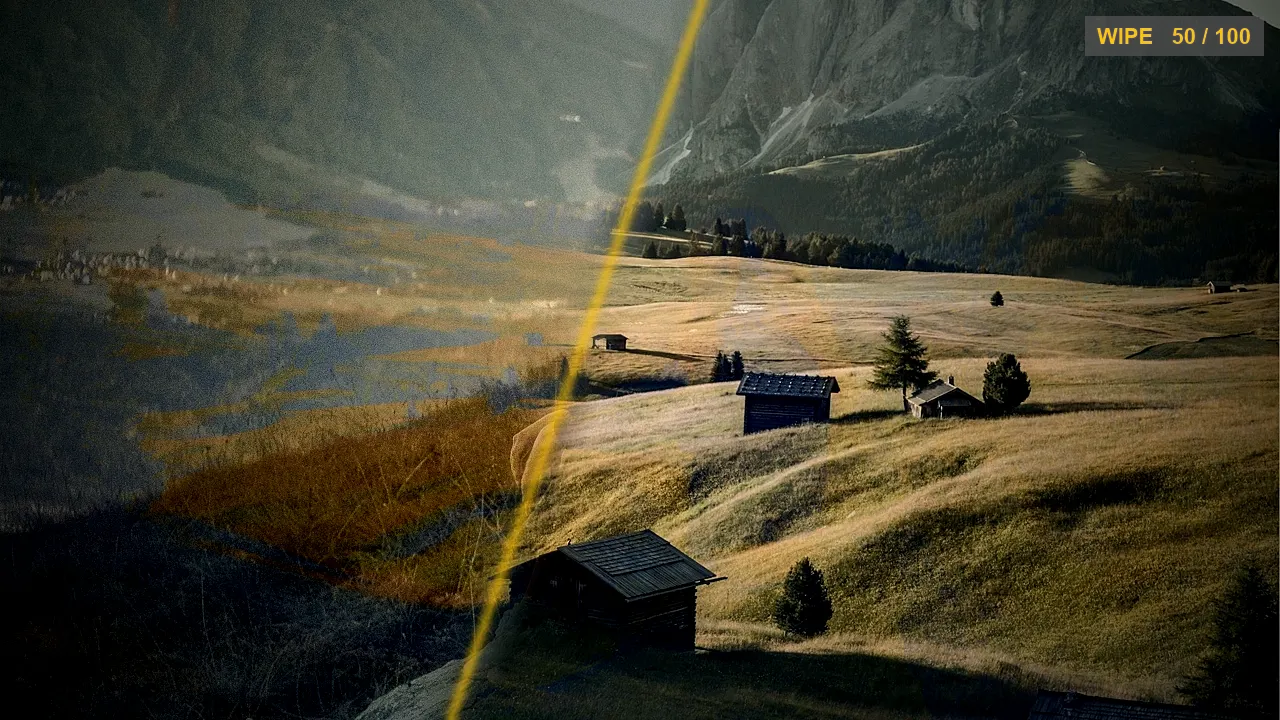
Transitions
V1 / V2Dozens of real GPU transitions between clips — wipes, morphs, luma mattes. Set the speed and easing.
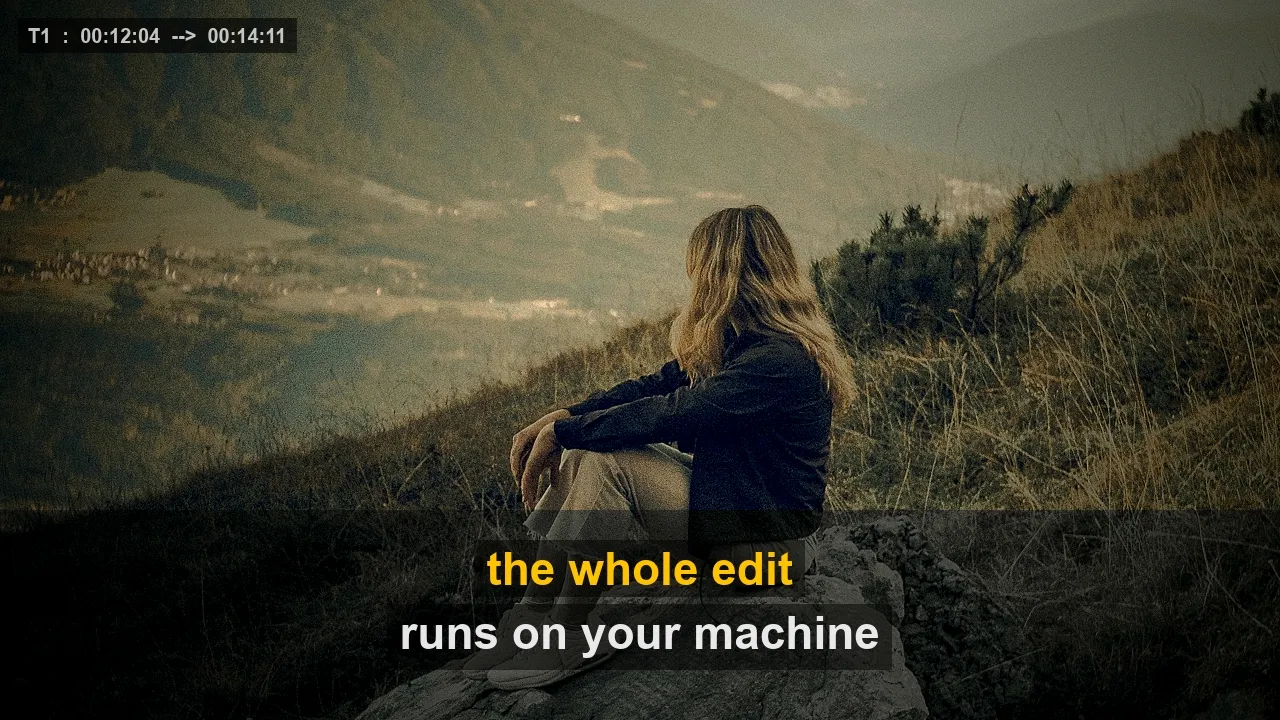
Auto captions
T1Speech becomes timed subtitles on your machine — no upload, no cloud, karaoke styles included.
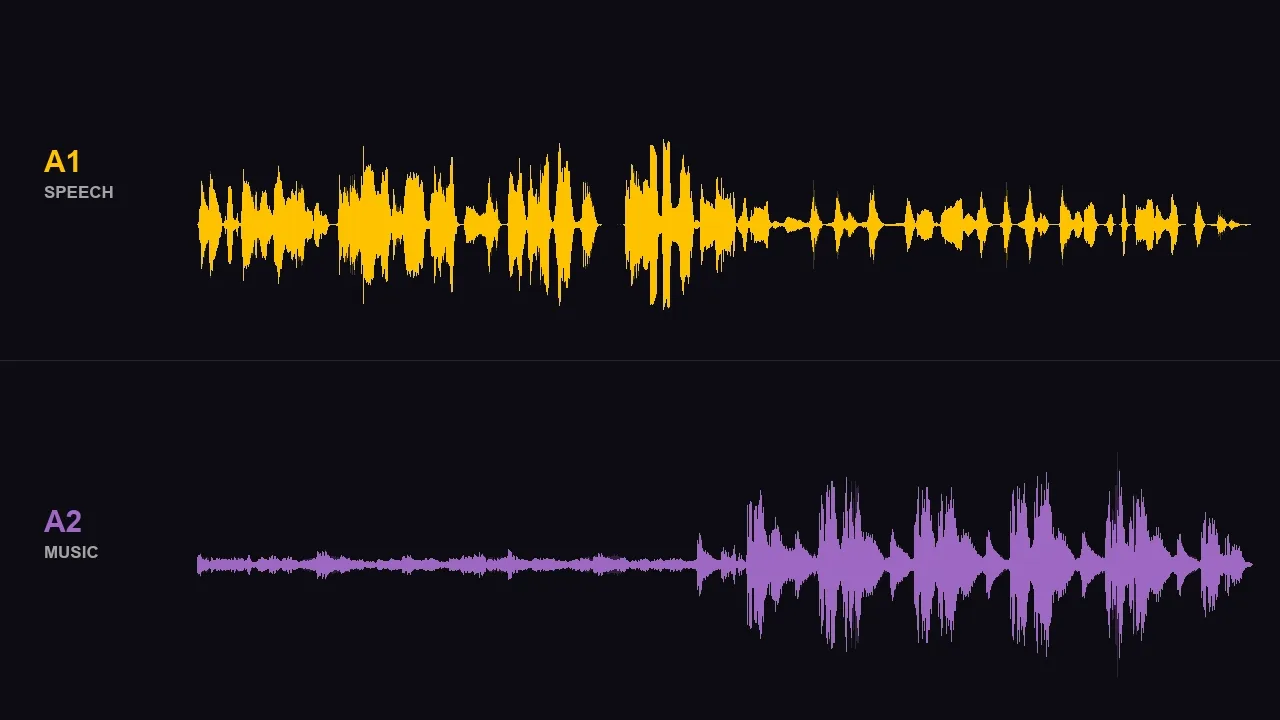
Vocal split
A1 / A2Pull the voice out of the music and get two tracks you can mix, duck or mute separately.
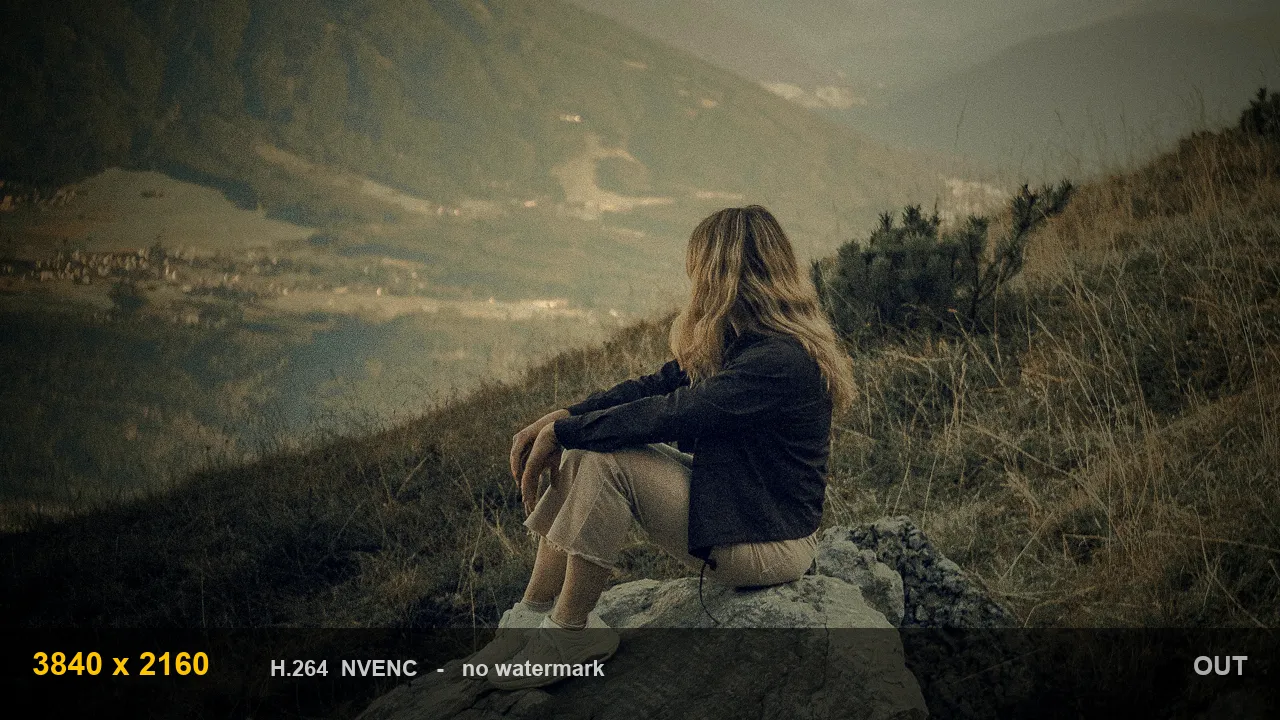
4K export
OUTHardware-accelerated encoding on NVIDIA, AMD and Intel — up to 4K, no watermark, ever.
A full editing suite, running on your own machine.
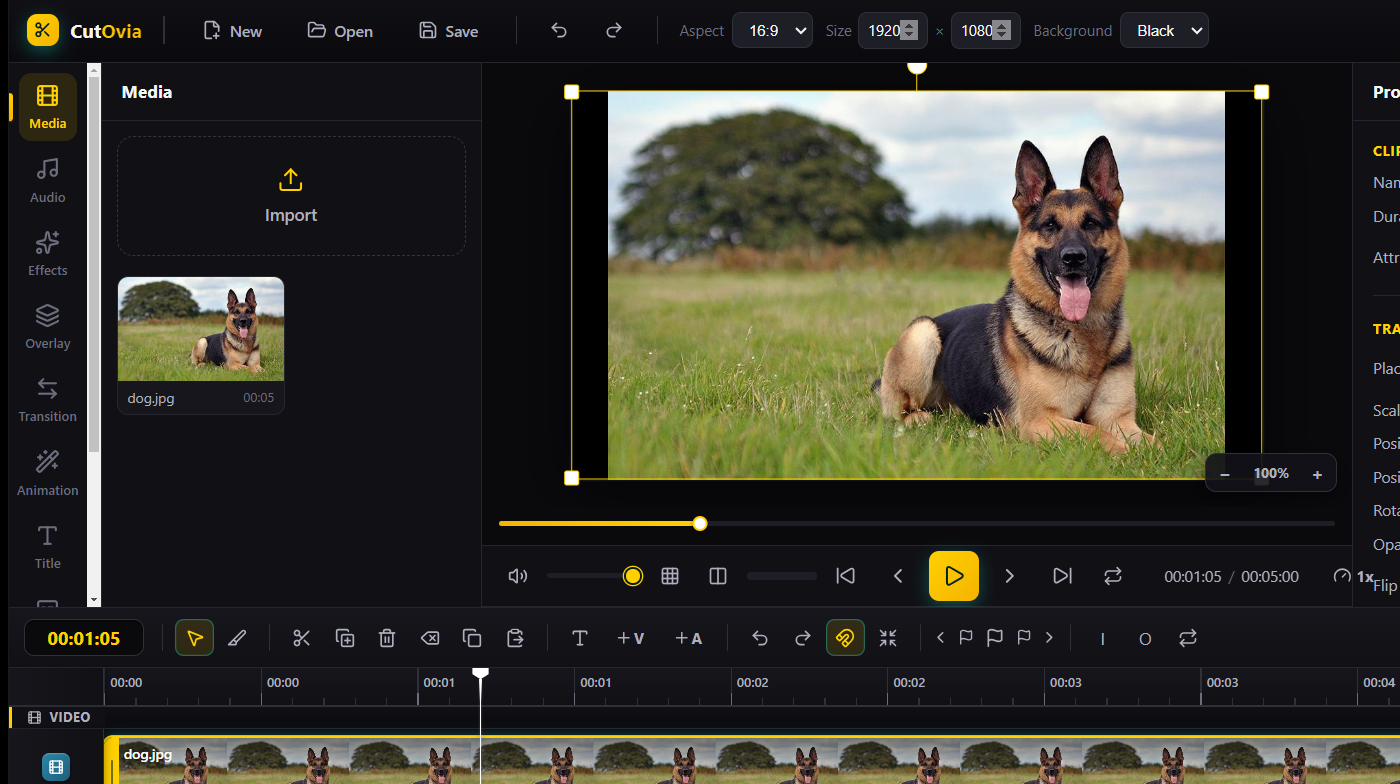
Why people switch to CutOvia
Free editors put a watermark on your work. Professional suites cost more every month than CutOvia costs in a year.
| Feature | CutOvia | Free editors | Subscription suites |
|---|---|---|---|
| Export without a watermark | |||
| Works fully offline | ~ | ||
| 4K export | ~ | ||
| On-device AI captions | ~ | ||
| Vocal / music separation | ~ | ||
| Your videos never leave the device | ~ | ||
| Price | from $0.67/mo | Free | $20+/mo |
Compared with typical products in each category — not with any specific product.
Ready to create?
Download CutOvia free and start editing in minutes.
Frequently asked questions
Is CutOvia free?+
Yes — you can use CutOvia for free. Premium unlocks every Pro effect, transition and asset, with plans from $0.67/mo.
What do I need to run it?+
Windows 10 or 11 (64-bit). A dedicated GPU is recommended for 4K editing but is not required.
How do I pay for Premium?+
With cryptocurrency (BTC, ETH or USDT) — no credit card required.
Is my data safe?+
Yes. Your videos are processed locally on your device and are never uploaded to our servers. We never sell your data.
Windows shows a warning on install — is it safe?+
Yes. As a new project we do not have a code-signing certificate yet, so Windows may say “unknown publisher”. Choose “More info → Run anyway”. The app is completely safe.